
Partner with Us


Frequently Asked Questions
Tokentization is VezoPay’s proprietary process for tying unsecured digital assets to a secure digital element, ensuring a trusted and immutable connection.
Registration and activation are two distinct steps in setting up your VezoPay ring. Registration securely links your bank card to the device using a token generated through Visa and Mastercard’s secure payment networks. Activation is the final step, where you authenticate through third-party OTP and banking app verification to make your wearable live and ready for payments. Registering Your Ring To register your ring, you will need to securely link your bank card to the device. This process involves entering your card details and generating a secure token. Pre-registration: Complete the process on the VezoPay website. Self-registration: Use the VezoPay app and follow the on-screen instructions to set up your ring. Key Security Notes VezoPay does not store personal information, card details, or credentials during registration. We partner with Fidesmo, a European token requester compliant with PCI DSS standards, using advanced encryption for secure activation. Important: Never share your OTP or bank credentials with anyone. VezoPay representatives will never ask for this information. Activating Your Payment Card Once your device is registered, follow these steps to activate your payment card: Open the VezoPay app on your Android or iPhone. Go to the overview screen showing your wearable and connected services. Tap the “Activate payment card” button below the payment card image. Follow the on-screen instructions to complete activation. If you’ve already connected your payment card (e.g., through online registration), simply open the app and follow the steps to activate it for payments.
We are currently live with Investec, FNB, RMB and Absa, If you bank elsewhere, please join our waiting list on vezopay.com/vezopay-waiting-list/. We are working hard to onboard more banks, and you’ll be the first to know the moment we launch with others.
No, a thief cannot skim your data, and here’s why: 1. No Visible Information: Unlike physical or virtual cards, your ring doesn’t have your name, card number, or CVV written on it. It looks just like a regular ring. 2. Invisible Credentials: Your actual card details aren’t stored on the ring. Instead, we use a process called tokenization. We assign a Visa or Mastercard token to your ring. Even if a thief tried to skim the data, all they would get is a random string of digits from our token, which is useless without the real credentials. This is the magic of tokenization, keeping your information safe and secure.
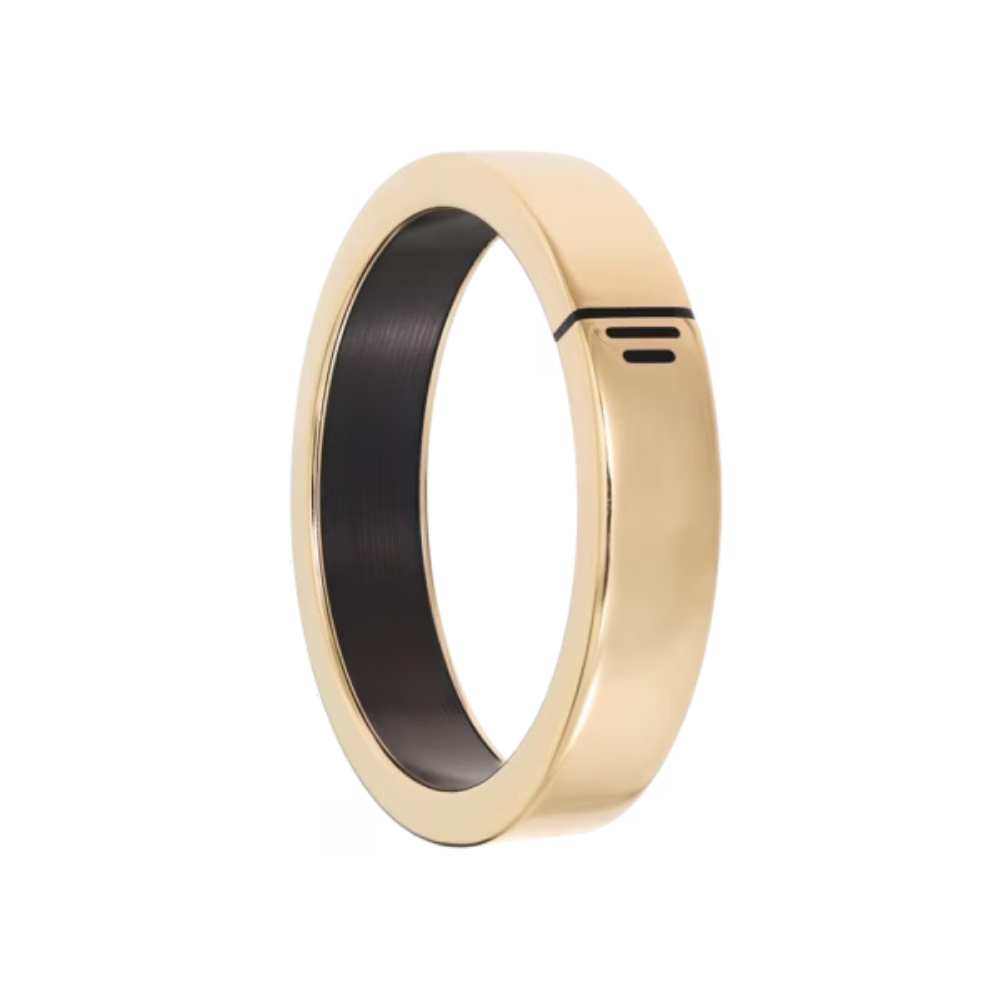
Users sync their bank card to the VezoPay app, which then assigns an encrypted Visa or Mastercard token to the ring. Payments are made by tapping the ring on a contactless terminal, ensuring secure and seamless transactions.
Yes, VezoPay rings are waterproof and can be used while swimming or engaging in water sports. Important Note: Fingers tend to shrink in cold water, which may cause your ring to become loose. If you plan to swim regularly with your VezoPay ring, we recommend selecting a snug fit to ensure it stays securely in place.
Absolutely! Your device will work seamlessly at any of the 37 million Visa or Mastercard terminals worldwide. While you may need to notify your bank about your travel plans due to their security protocols, there are no extra steps required on the Vezo side. Once your card is set up, you’re ready to go. Enjoy hassle-free, stylish travel with Vezo!
We take security seriously at Vezopay. Your ring is secure for the following reasons- EMV Accreditation: Our wearables have undergone rigorous security testing by Visa and Mastercard. They are fully EMV accredited, ensuring robust protection. Tokenization: Your user credentials are not stored on the device. We utilize tokenization, which enhances security by preventing any sensitive information from being skimmed. Control and Monitoring: You have control over your wearable through our app or your bank. If you lose your wearable or notice suspicious transactions, you can pause or stop it, just like any other payment device. Physical Interaction Required: To initiate a payment, someone would need to hold the payment terminal steadily for at least 2 seconds while your finger is in a specific position. This makes unauthorized transactions challenging. PIN for Added Security: After reaching a certain transaction limit, you’ll be prompted to enter a PIN at the terminal, adding an extra layer of security
Immediately pause or block your ring via the VezoPay app or through contacting your bank. Since no credentials are stored on the device, your data remains protected. If you’re unable to access your phone or mobile device, contact your bank and request them to stop or block your VezoPay token. This action will immediately lock your ring and prevent any unauthorized transactions on your wearable. Important: Never share your OTP or banking credentials with anyone. Vezo representatives will never ask for an OTP or request your bank details under any circumstances
No, the ring operates entirely offline and is encrypted with a secure token.
For more FAQ's, please visit our FAQ page.